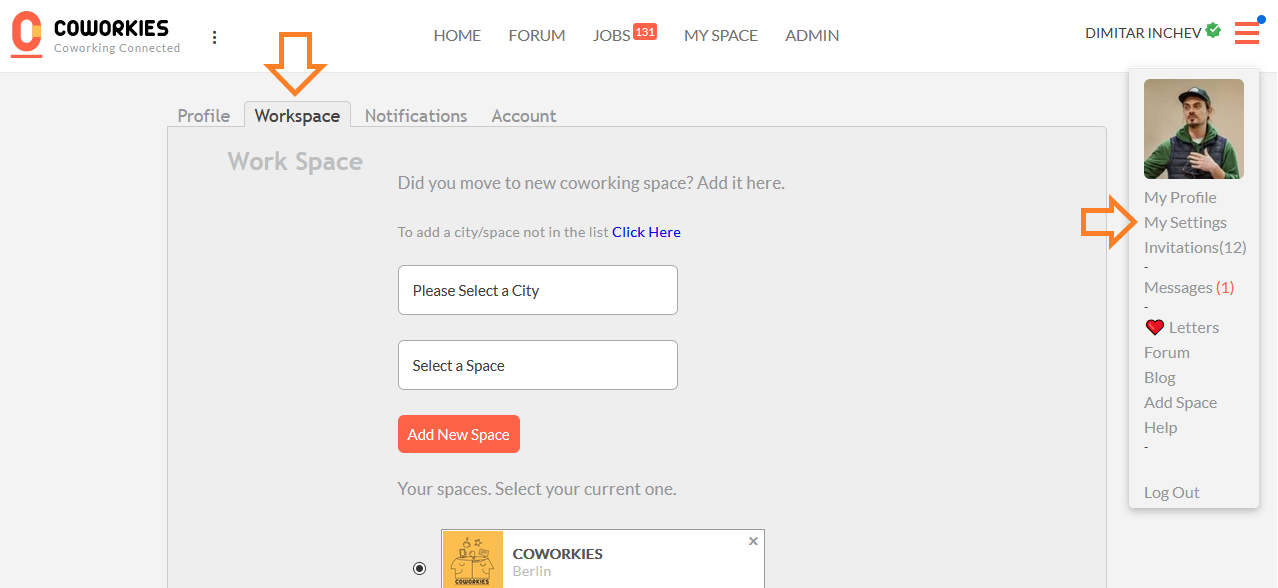
Go to My Settings → Workspace to select a new space, remove previous ones, or switch between multiple memberships.
To change your coworking space, navigate to:
My Settings -> Workspace
In this section, you can select a new coworking space or remove previous ones as per your preference. If you are part of multiple coworking spaces, this section of the settings allows for easy switching between them.
Related docs
- Account Settings - Manage your profile and preferences
- Adding a Space - Add a new space to the directory