
How does the Coworkies job board work?
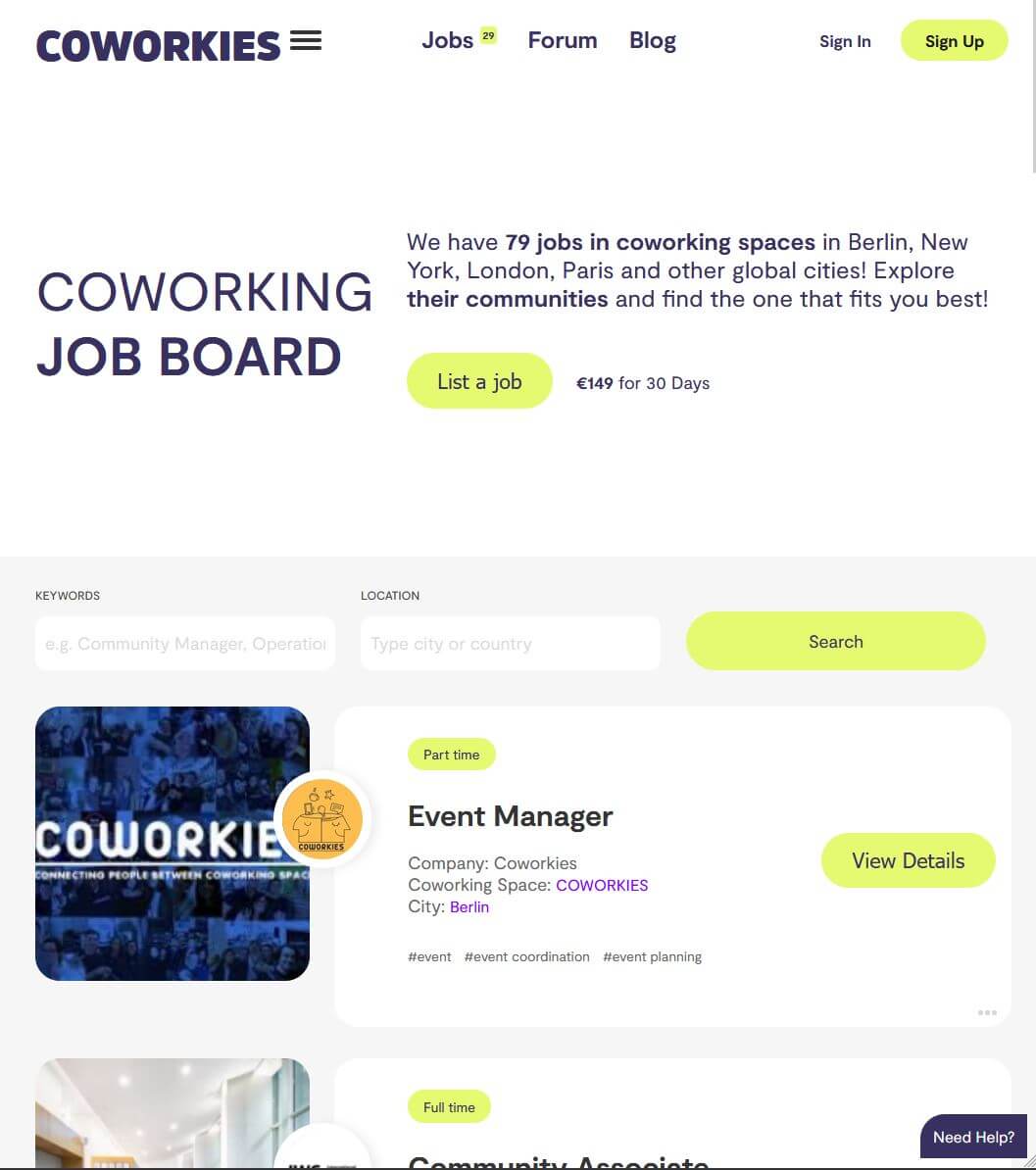
Coworkies Jobs covers coworking, hospitality and workspace roles. Any signed-in user can post for free, with an optional space association; employers can also choose paid promotion.
Coworkies Jobs connects employers and candidates for roles in coworking, hospitality and workspaces. Any signed-in user can choose free posting, including users without a space. Space admin access is not required. To reach a wider audience, you can promote jobs on the main Coworkies job page for 30 or 90 days. Partner coworking spaces get special discount codes for their members.
How it works
- Free posting – Sign in, choose Free and confirm the preview to publish without a card payment. Selecting a space is optional.
- Paid promotion – To feature a job on the main Coworkies Jobs page, choose a 30-day or 90-day promotion plan.
- Partner discounts – Partner coworking spaces receive promotional codes their members can use for discounted promotion.
Who can post jobs?
- Any signed-in user can post free jobs through the main Jobs area, with or without a space. See Manage your job postings.
- Anyone can post a promoted (paid) job, with or without a Coworkies account.
- Employers can recruit for coworking, hospitality and workspace roles, as well as jobs with startups or companies working from a space.
Job types supported
- Full-time
- Part-time
- Freelance
- Internship
- Remote-friendly positions
Key features
- Free posting for signed-in users, with optional space association
- Paid promotion on the main job page (30 or 90 days)
- Job templates to speed up posting
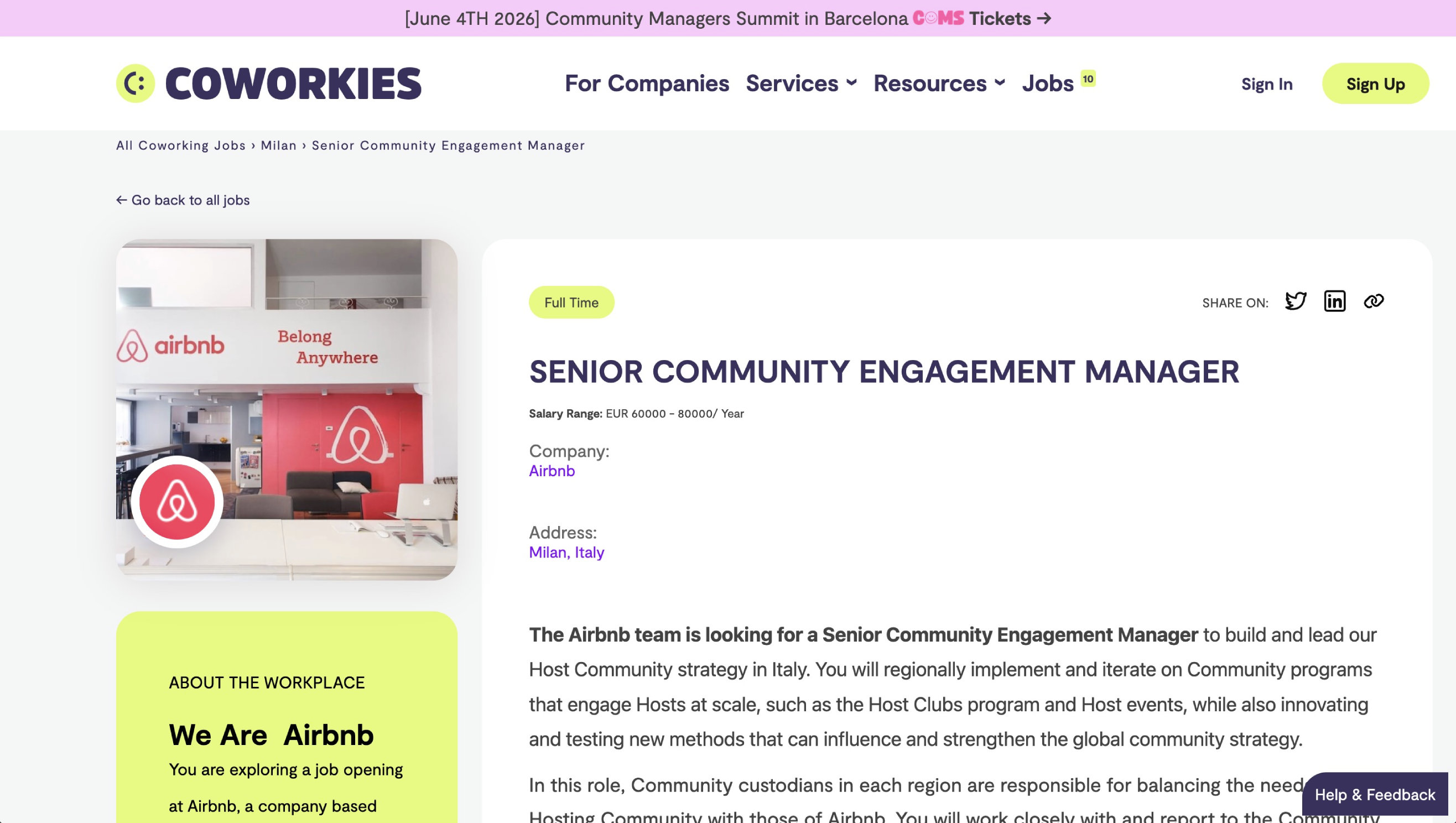
- Salary range fields (optional but recommended)
- Application URL or email for candidates
- Job tags for discoverability
- Company logo and photo upload
Limitations
- Confirmed free jobs can appear in public listings while active and unexpired; they do not include the paid promotion package.
- Paid promotion uses Stripe, unless the post is included in your Pro allowance.
- Free and promoted jobs expire after the duration shown for the selected plan.
Related docs
- Add a Free Job – Post a free job with your account
- Add a Paid Job – Promote a job on the main page
- Job Board Management – Manage your job listings
- Job Discounts – Bulk order discounts