The Space Admin Dashboard is your command center for managing your coworking space on Coworkies. From the dashboard you can post jobs, track clicks on job ads, manage active and draft job posts, and access resources like events and courses. Pro members get detailed per-job analytics.
Dashboard Overview
Accessing the Dashboard
The dashboard is the first section you see when you access your space admin panel. You can also navigate to it directly by clicking “Dashboard” in the left navigation menu.
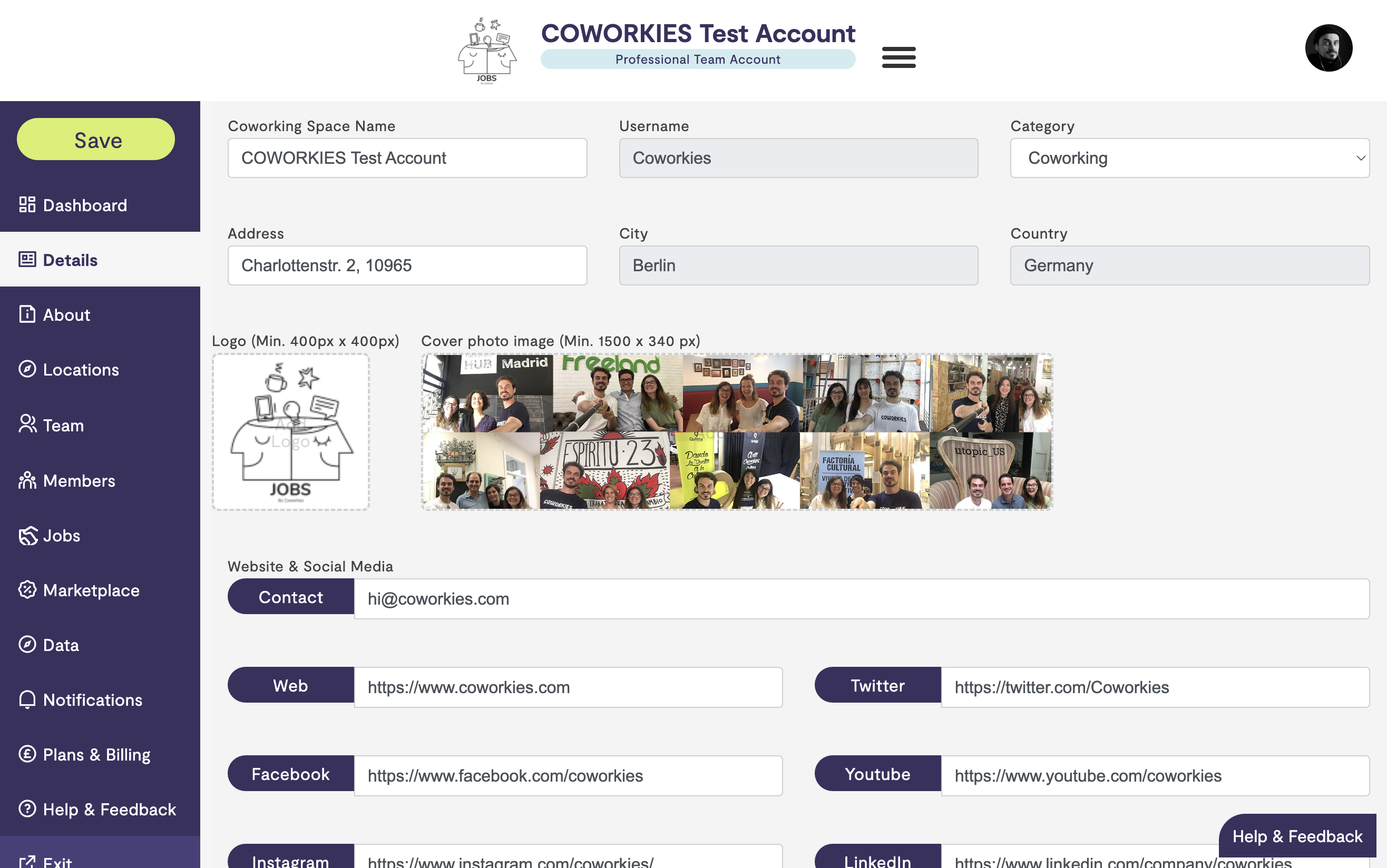
The dashboard provides a comprehensive view of your space’s performance and management tools all in one place.
Dashboard Sections
Quick Actions
At the top of the dashboard, you’ll find quick action buttons that let you perform common tasks instantly:
- Post a New Job - Opens the job posting form in a new tab
- Request a Service - Takes you directly to the marketplace section
These quick actions save you time by providing one-click access to the most frequently used features.
Overview Section
The overview section provides key metrics and information about your space:
Job Ad Performance Summary
Total Clicks for All Job Ads - This metric shows the cumulative number of clicks across all your job posts. It helps you understand the overall visibility and interest in your job listings.
Clicks Per Job Post - For Pro members, this section shows individual performance metrics for each job post, allowing you to identify which positions are generating the most interest.
Pro Feature: Detailed per-job analytics are available for Pro members. Free members will see a blurred preview with an upgrade prompt to unlock this feature.
Job Ad Management
The dashboard provides a comprehensive view of all your job posts:
Active Job Ads
Shows your currently published jobs with:
- Job title
- Quick edit link
- Unpublish option
You can manage up to 5 active jobs directly from the dashboard. To see all jobs, click “View All” to navigate to the Jobs section.
Saved Drafts
Lists job posts that you’ve started but haven’t published yet:
- Continue editing your draft
- Complete and publish when ready
Expired Job Ads
Shows jobs that have passed their expiration date:
- Edit and relist expired jobs
- Update information before republishing
Recommendations & Resources
The dashboard includes helpful resources to support your space management:
Upcoming Events
Displays relevant events for coworking spaces:
- Community manager workshops
- Industry conferences
- Networking events
Click “Preview” to learn more about each event.
Course Recommendations
Suggests educational opportunities:
- Community Managers Workshop Online
- Community Managers Retreats
- Other professional development courses
Best Practices
Features articles and tips:
- Best practices for community management
- Job posting optimization tips
- Space management strategies
Pro vs Free Features
Free Plan Features
- Total clicks across all jobs
- Active/draft/expired job management
- Quick actions
- Basic dashboard overview
Pro Plan Features
All Free features plus:
- Detailed Analytics - Clicks per individual job post
- Advanced Metrics - Performance breakdowns
- Priority Support - Enhanced support options
- Additional Features - Access to all premium tools
To upgrade to Pro, navigate to “Plans & Billing” in the admin menu.
Navigation Tips
- Use the left navigation menu to switch between dashboard sections
- Click “View All” links to see complete lists in dedicated sections
- Use quick actions for frequently performed tasks
- Check the dashboard regularly to monitor your space’s performance
Best Practices
- Regular Monitoring - Check your dashboard weekly to track job performance
- Quick Actions - Use the quick action buttons for common tasks
- Draft Management - Review and complete saved drafts regularly
- Expired Jobs - Relist or update expired jobs to maintain an active job board
- Resource Utilization - Take advantage of recommended courses and best practices
Related Documentation
- Space Administration - General admin panel overview
- Job Board Management - Complete job management guide
- Space Plans & Upgrades - Learn about Pro features and upgrades
- Data Analytics - Understanding your space analytics