Go to Help & Feedback in your space admin for docs, FAQ, and feedback forms. Submit feature requests, bug reports, or general feedback—and check the FAQ for common answers.
Help & Feedback Overview
The Help & Feedback section in your space admin panel provides easy access to support resources, documentation, and feedback submission tools. Use this section to get help, report issues, or share your thoughts about the platform.
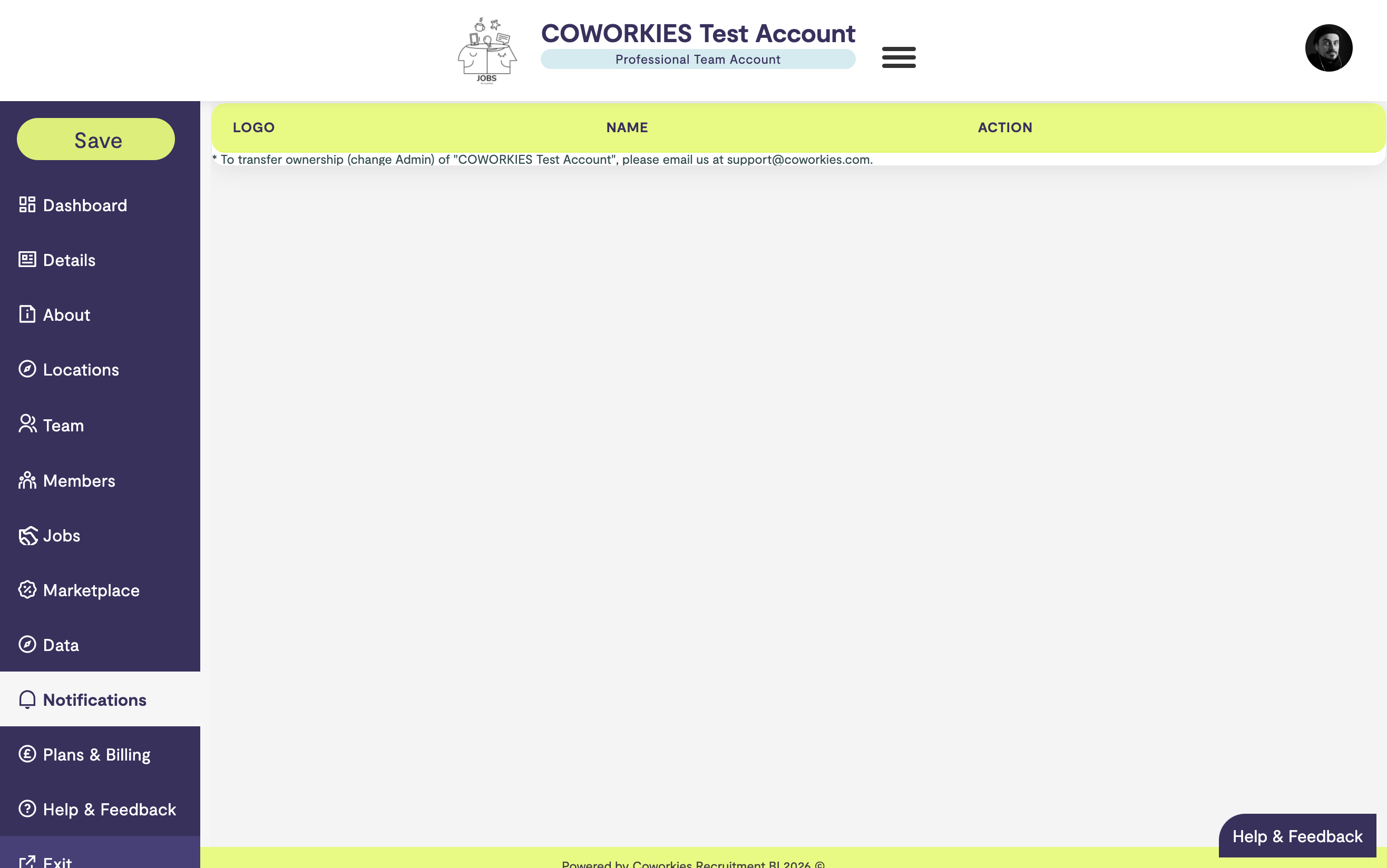
Accessing Help & Feedback
To access the Help & Feedback section:
- Navigate to your space admin panel
- Click “Help & Feedback” in the left navigation menu
- Access support resources and feedback forms
Getting Help
Documentation Resources
The Help section provides links to:
- Getting Started Guides - Step-by-step onboarding
- Feature Documentation - Detailed guides for each feature
- FAQ - Answers to common questions
- Video Tutorials - Visual guides (if available)
Common Topics
Quick access to help with:
- Account Setup - Creating and managing your space
- Job Posting - Posting and managing jobs
- Member Management - Managing your community
- Billing - Payment and subscription questions
- Technical Issues - Troubleshooting problems
Submitting Feedback
How to Submit Feedback
- Go to the Help & Feedback section
- Find the feedback form
- Select feedback type:
- Feature request
- Bug report
- General feedback
- Suggestion
- Provide detailed information
- Submit your feedback
Feedback Best Practices
When submitting feedback:
- Be Specific - Provide clear, detailed information
- Include Context - Explain the situation or issue
- Be Constructive - Offer helpful suggestions
- Include Examples - Provide specific examples when possible
Types of Feedback
Feature Requests:
- Suggest new features
- Explain how they would help
- Provide use cases
Bug Reports:
- Describe the issue clearly
- Include steps to reproduce
- Note when it occurs
General Feedback:
- Share your thoughts
- Provide suggestions
- Help improve the platform
Support Channels
In-Platform Support
- Help & Feedback section in admin panel
- Contact forms
- FAQ section
External Support
- Contact Form - General inquiries
- Email support (if available)
- Documentation website
Response Times
- General Inquiries - Typically within 2-3 business days
- Technical Issues - Priority for Pro members
- Urgent Matters - Contact directly for critical issues
FAQ Section
Common Questions
The FAQ covers:
- Account Management - Profile, settings, access
- Job Posting - Creating, editing, managing jobs
- Billing - Payments, subscriptions, invoices
- Features - How to use platform features
- Troubleshooting - Common issues and solutions
Finding Answers
- Check the FAQ first
- Search documentation
- Review relevant guides
- Submit a question if needed
Reporting Issues
Technical Problems
When reporting technical issues:
- Describe the Problem - What isn’t working?
- Steps to Reproduce - How can we see the issue?
- Expected Behavior - What should happen?
- Actual Behavior - What actually happens?
- Browser/Device - What are you using?
- Screenshots - Include if helpful
Account Issues
For account-related problems:
- Describe the issue clearly
- Include your account information (email)
- Note when the issue started
- Provide any relevant details
Best Practices
Before Contacting Support
- Check Documentation - Review relevant guides
- Search FAQ - Look for similar questions
- Try Troubleshooting - Follow common solutions
- Gather Information - Have details ready
When Submitting Feedback
- Be Clear - Explain your point clearly
- Be Specific - Provide concrete examples
- Be Constructive - Offer helpful suggestions
- Be Patient - Allow time for responses
Community Resources
Forum
- Ask questions in the Forum
- Get help from the community
- Share knowledge with others
Documentation
- Comprehensive guides available
- Step-by-step instructions
- Visual examples and screenshots
Related docs
- Contact – Contact information
- FAQ – Common questions and answers
- Space Admin Dashboard – Admin overview