The Notifications section in your space admin shows cluster invitations (groups of collaborating spaces) and other alerts. Accept invitations to join clusters and collaborate with other spaces.
Notifications Overview
The Notifications section in your space admin panel manages cluster invitations and other important notifications related to your coworking space. Clusters are groups of coworking spaces that collaborate and share resources.
Accessing Notifications
To access the Notifications section:
- Navigate to your space admin panel
- Click “Notifications” in the left navigation menu
- View pending invitations and notifications
Understanding Clusters
What are Clusters?
Clusters are collaborative groups of coworking spaces that:
- Share resources and knowledge
- Collaborate on events and initiatives
- Build stronger community connections
- Work together on common goals
Cluster Invitations
When another space invites you to join their cluster:
- You’ll receive a notification
- The invitation appears in your Notifications section
- You can accept or ignore the invitation
- Accepting connects your space to the cluster
Managing Cluster Invitations
Viewing Invitations
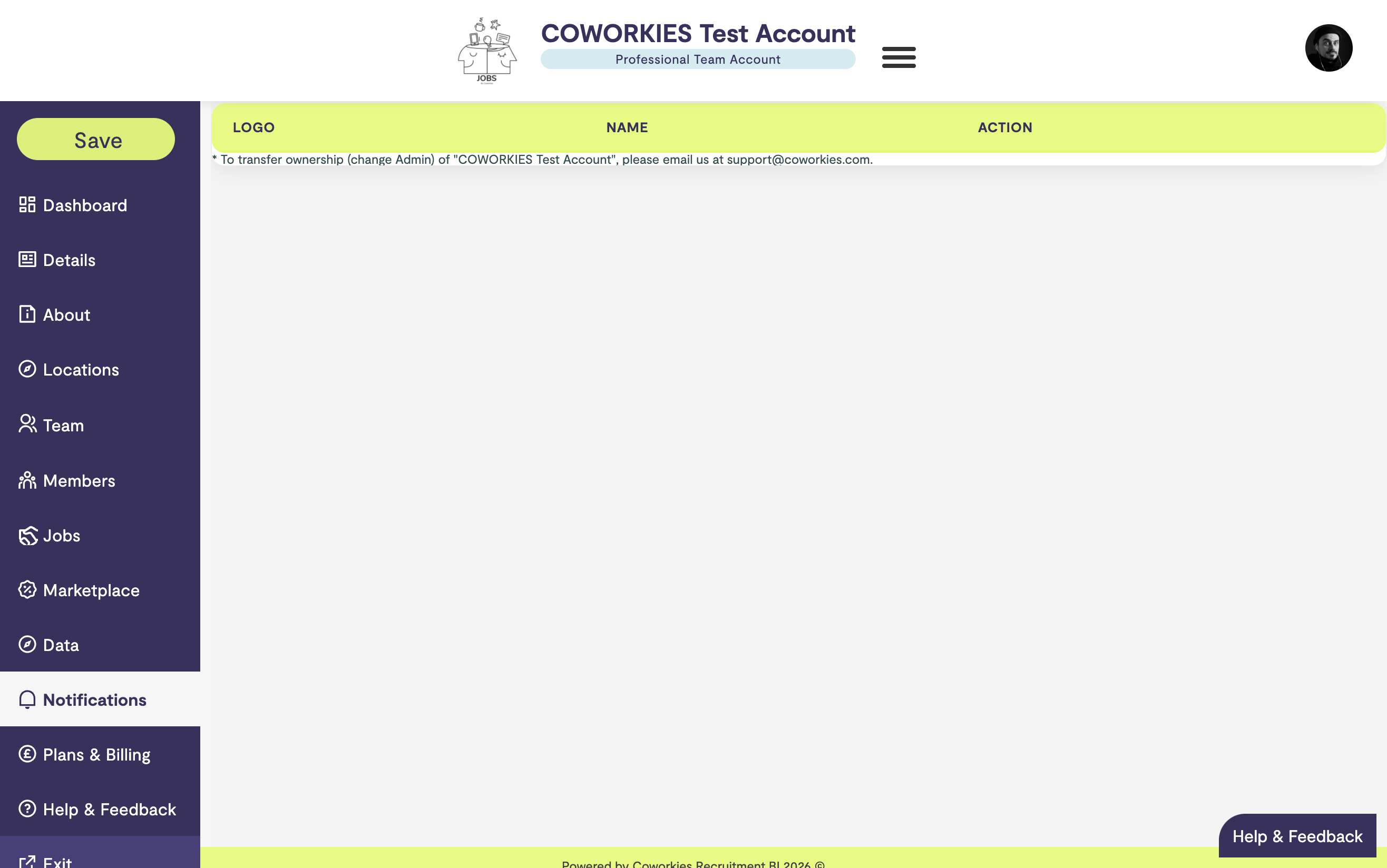
The Notifications section displays:
- Cluster Logo - Visual identification of the cluster
- Cluster Name - Name of the inviting cluster
- Action - Accept button for pending invitations
- Status - Whether the invitation is pending or accepted
Accepting Invitations
To accept a cluster invitation:
- Go to the Notifications section
- Find the cluster invitation
- Click “Accept”
- Your space will be added to the cluster
After Accepting:
- Your space becomes part of the cluster
- You can collaborate with other cluster members
- You may receive additional cluster-related notifications
Declining Invitations
To decline an invitation:
- Simply don’t accept it
- The invitation will remain in your notifications
- You can accept it later if you change your mind
Notification Types
Cluster Invitations
- Invitations to join coworking space clusters
- Appear with cluster logo and name
- Can be accepted to join the cluster
Other Notifications
Additional notification types may include:
- Space-related updates
- System notifications
- Important announcements
- Activity alerts
Cluster Relationships
Benefits of Joining Clusters
- Collaboration - Work with other spaces
- Resources - Share knowledge and tools
- Events - Collaborate on community events
- Networking - Connect with other space operators
Managing Cluster Membership
Once you’ve joined a cluster:
- Your space is listed as a cluster member
- You can participate in cluster activities
- You may receive cluster-wide communications
- You can leave clusters if needed (contact support)
Best Practices
Reviewing Notifications
- Check Regularly - Review notifications weekly
- Respond Promptly - Accept or decline invitations in a timely manner
- Evaluate Clusters - Consider the benefits before joining
- Stay Active - Engage with clusters you join
Cluster Participation
- Understand Purpose - Learn what each cluster focuses on
- Contribute - Actively participate in cluster activities
- Network - Connect with other cluster members
- Share Resources - Contribute to cluster knowledge
Troubleshooting
Notifications Not Showing
If notifications aren’t appearing:
- Refresh the page
- Check that you have admin permissions
- Verify your account is active
- Contact support if issues persist
Cannot Accept Invitation
If you can’t accept an invitation:
- Verify you have admin permissions
- Check that the invitation is still valid
- Try refreshing the page
- Contact support for assistance
Cluster Information Missing
If cluster details aren’t showing:
- The cluster may have been removed
- The invitation may have expired
- Try refreshing the page
- Contact the cluster organizer directly
Related docs
- Space Admin Dashboard – Admin panel overview
- Space Administration – Admin panel guide