Adding your coworking space to Coworkies is free and requires admin approval. We prioritize spaces that emphasize community building and take special care of their teams and members. Approval typically takes 1-2 business days.
Two ways to add a space
Method 1: During account registration
When registering your personal account, type a coworking space name that is not already listed. The admins will receive a notification and the space will be added and validated on the platform.
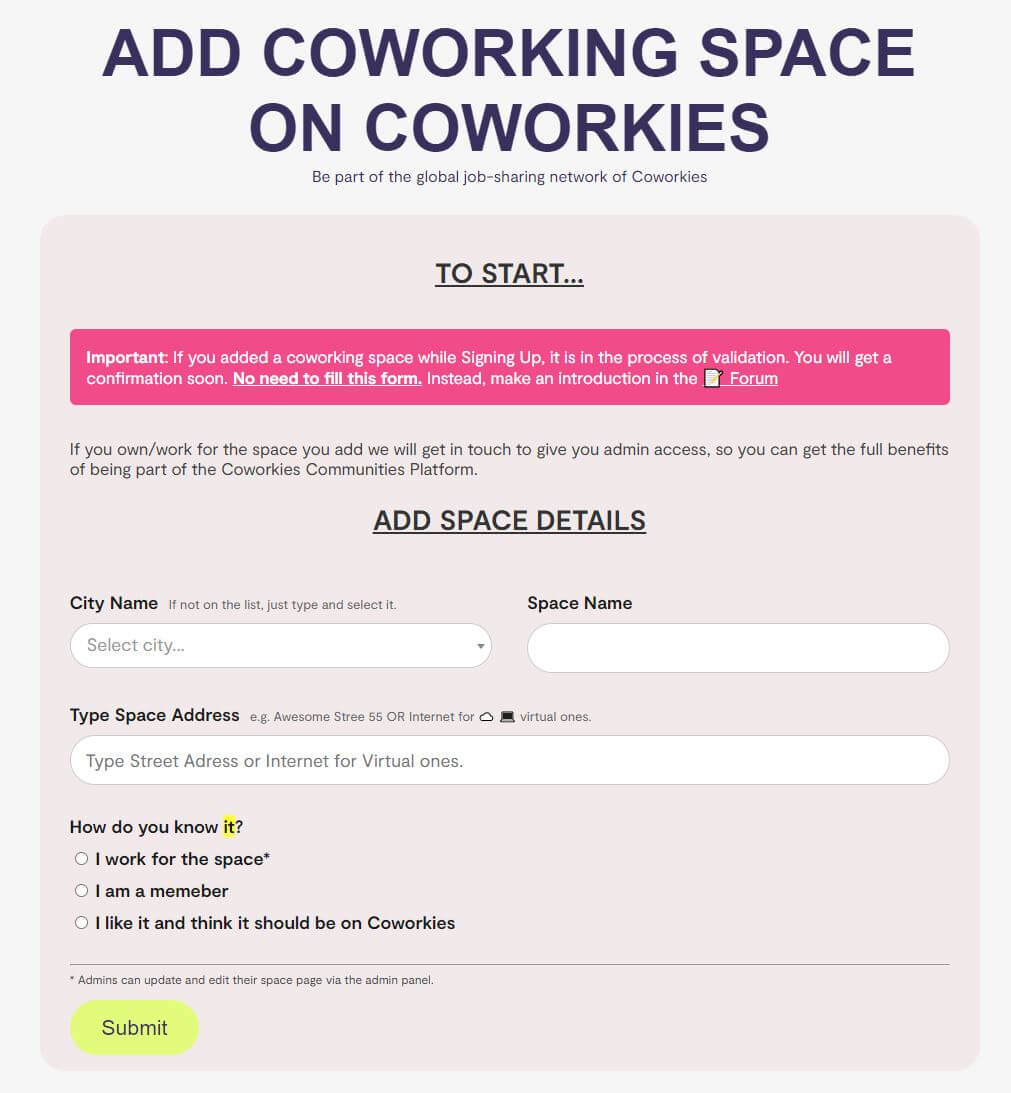
Method 2: Use the dedicated form
Submit your space using the form at:
https://www.coworkies.com/add-coworking-space
You must be logged in to use this form.
What happens after approval
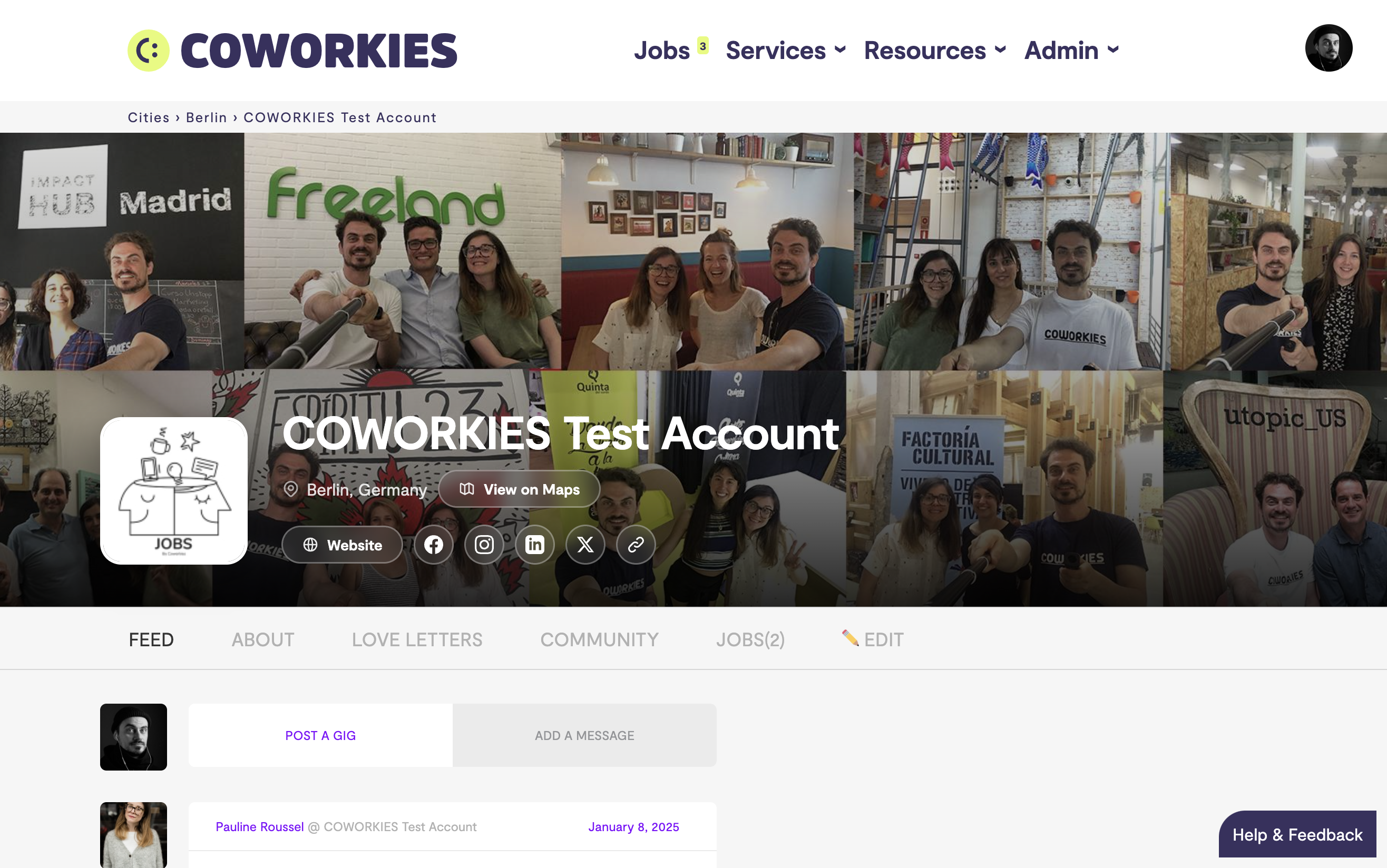
Once your space is approved, you get:
- A dedicated space profile page to showcase your coworking space
- A free job board for posting unlimited jobs
- An admin panel to manage your space, team, and members
- Access to the deal marketplace
Next steps
- Complete your space profile – Add logo, photos, description, and social links
- Invite your team – Add staff members with admin access
- Post your first job – Start hiring through your space job board
Related docs
- Space Admin Dashboard – Manage your space
- Space Team Management – Add team members
- Jobs Overview – Post and manage jobs